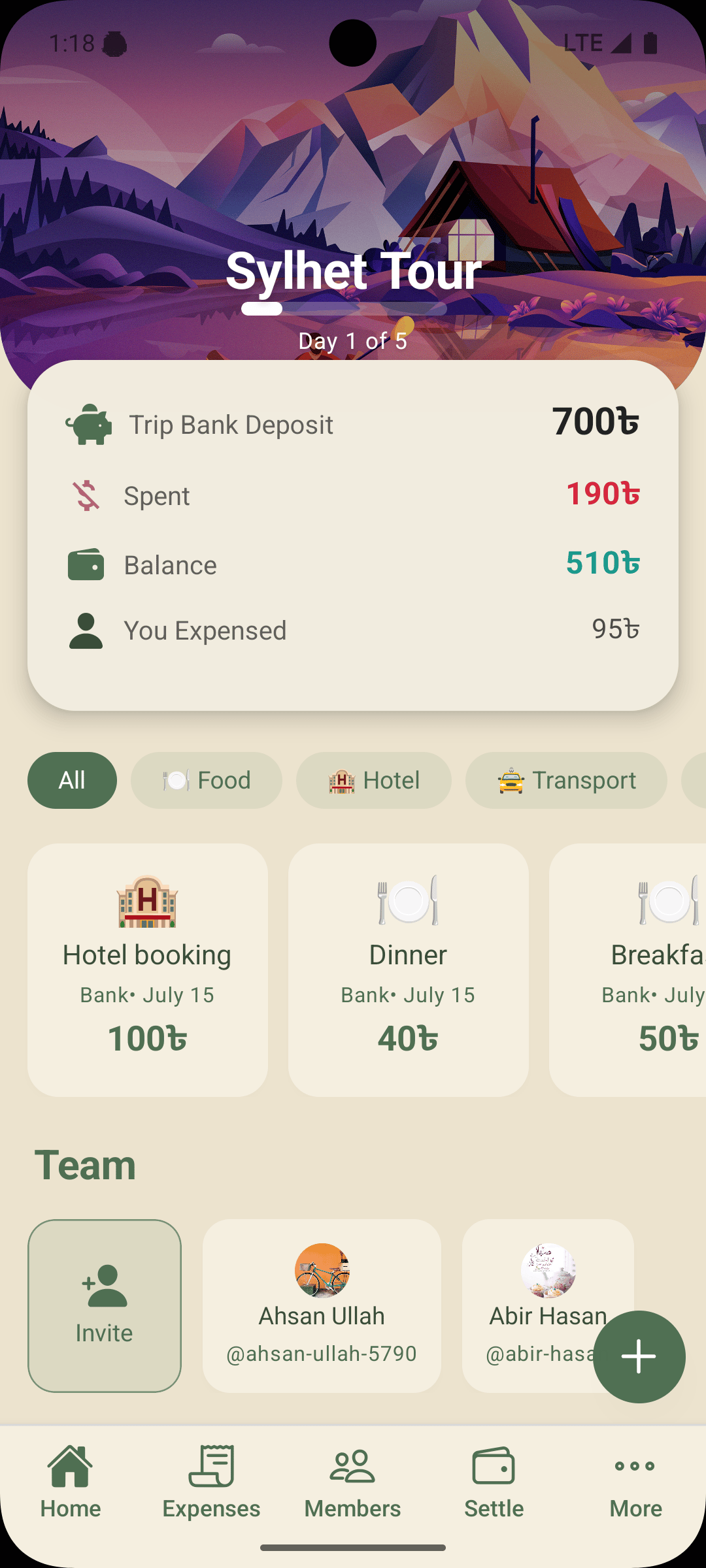
Deposits to TripBankStep 03
- Ahsan200৳
- Abir500৳
Pooled700৳
 01TripSplit
Pool the cash, log what the group spends, and see who gets what back the moment the trip ends. No spreadsheet, no awkward reminders, no mental math.
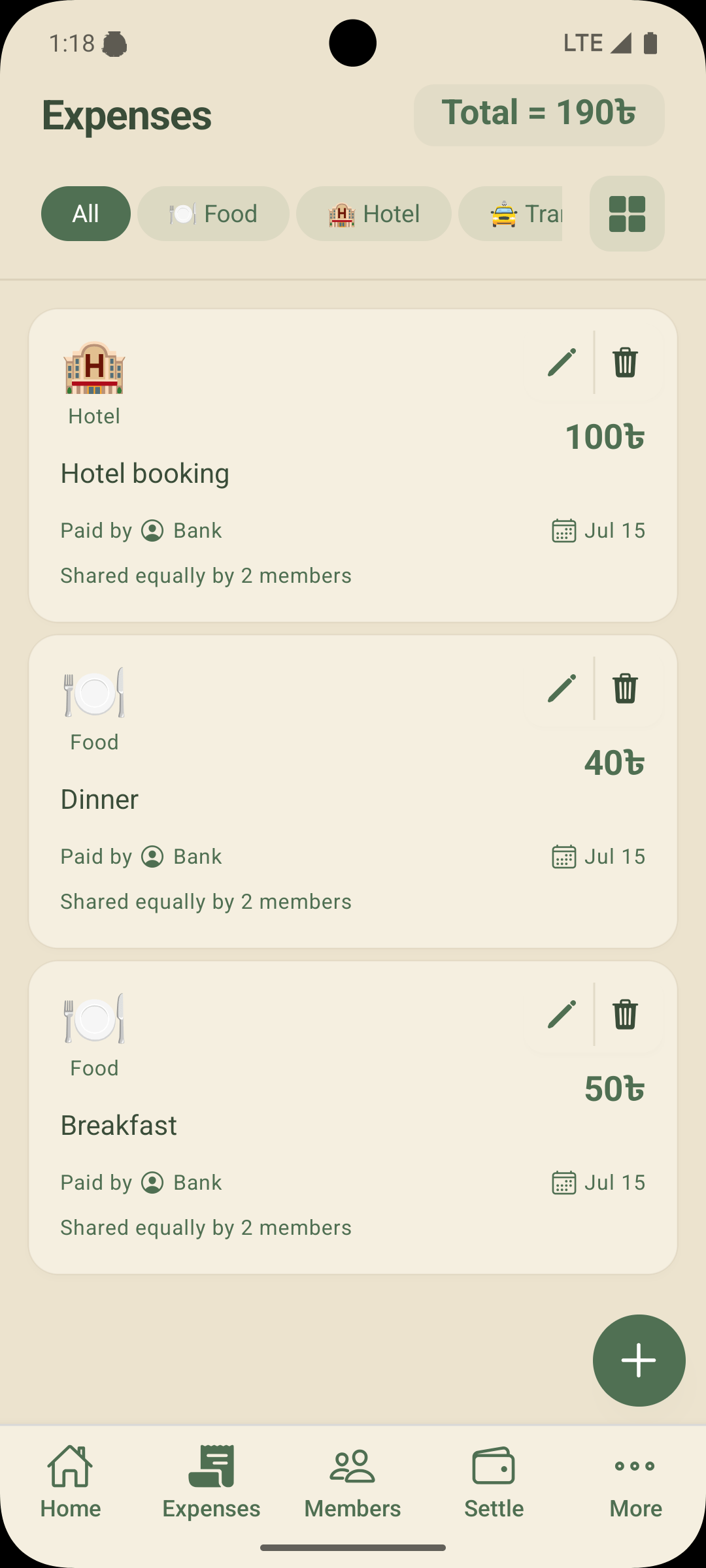
From the first deposit to the last refund, TripSplit keeps one shared record that every member can see and nobody has to maintain.
Coming soon in the app: group chat, trip summary export, schedule, checklist and private notes.
TripSplit is built around TripBank: the cash a group pools at the start of a trip. Every expense is paid from it, and whatever is left is refunded by share.
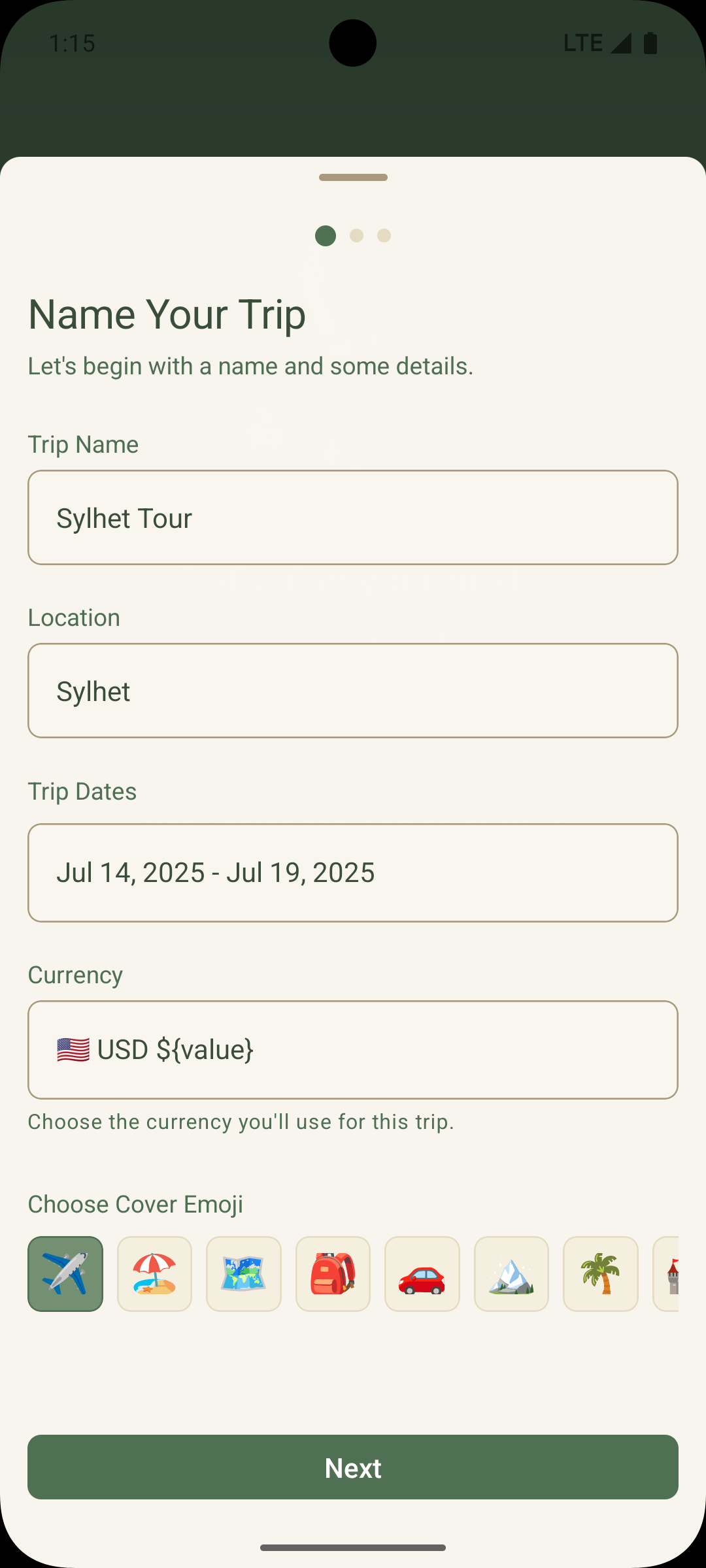
Give it a name, a location, dates and a currency. Add a cover emoji if you like. Takes about twenty seconds.
Search friends by name or share the invite link in your group chat. Everyone lands on the same trip.
Each member hands over their share of cash to the treasurer. The deposit is recorded, so nothing is forgotten.
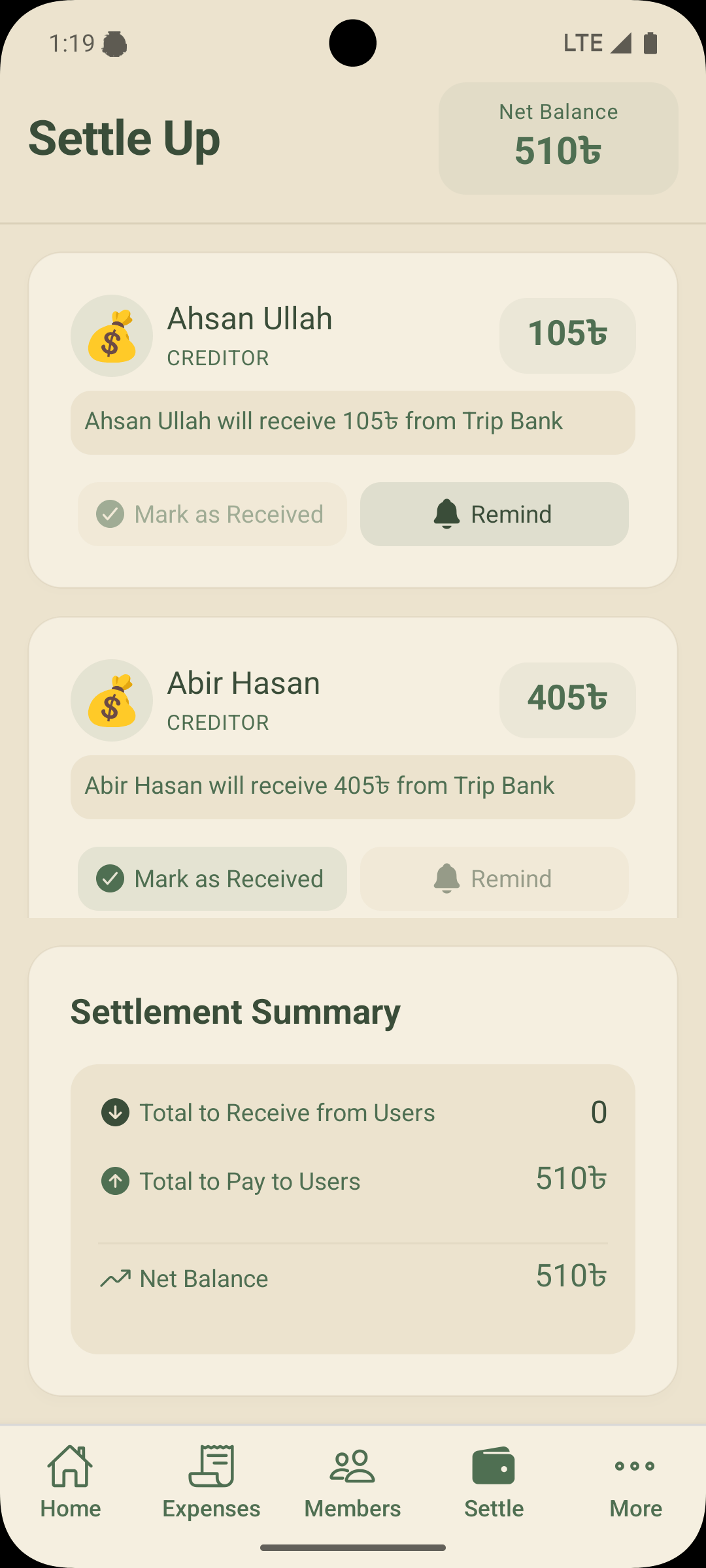
Log expenses as they happen. At the end, Settle Up shows exactly who gets what back. Mark it received, done.
Each member's refund is their deposit minus their share of every expense they were part of. TripSplit does this on every change, so the Settle Up screen is always ready.
Balances, net totals and who-receives-what are recalculated on every change. You only enter what was spent.
Members, expenses and balances sync to every phone in the group, so there's nothing to argue about later.
TripBank models how groups actually travel: pool the cash, pay from the pool, refund the difference.
Only your name, email and profile picture from Google, plus the trips you create. Delete your account any time.
Install it, sign in with Google, and have the trip set up before anyone has spent a thing. The whole group can be in within a minute.
Package com.guideai.tripsplit
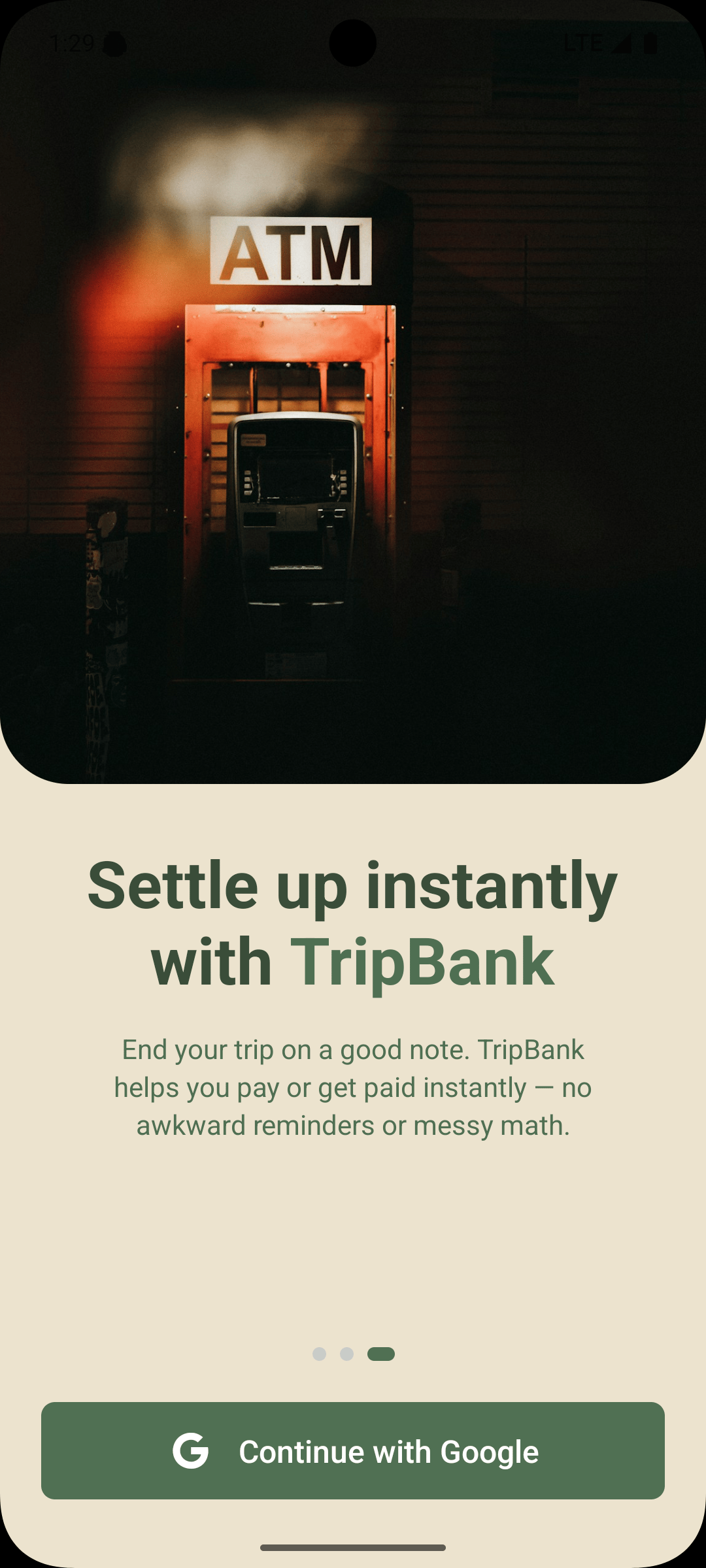
Tap the button on this page, or search for TripSplit by GuideAI on your Android phone.
It's a small download. There's nothing to configure and nothing to pay for.
One tap. TripSplit only takes your name, email and profile picture so the group can recognise you.
Start a trip and share the invite link, or open a link a friend sent you. You're in.
Questions first? contact@guideai.online · Public bug reports
Still unsure about something? Write to contact@guideai.online.
Yes. Every feature is free, with no subscription, no premium tier and no ads. It's one of the GuideAI micro-apps, built to remove friction from one everyday problem.
TripBank is the trip's shared cash pool. Members deposit money with the treasurer at the start, expenses are paid out of that pool, and at the end everyone is refunded their unspent share. It mirrors how most groups already travel, without the notebook.
No. You can also record an expense as paid by cash, card or mobile financial service by a specific member, and TripSplit will work out who owes whom from there.
Each trip has a default currency chosen from a worldwide list. Expenses are entered in the trip's currency, and the list makes it easy to set up trips in any country.
Open Invite, search a friend by name and tap Invite, or copy the trip's invite link and send it anywhere. Anyone with a Google account can join in seconds.
It lists every member with the amount they'll receive from TripBank or need to pay, plus a settlement summary. When money changes hands, tap Mark as Received. If someone's slow, tap Remind.
TripSplit is on Google Play today. An iOS release is planned; if you'd like to be told when it ships, email contact@guideai.online.
Your name, email and profile picture from Google Sign-In, the trips and expenses you create, and a device token for notifications. No contacts, no location tracking, no payment details. See the privacy policy for the full list.
Yes, at any time from inside the app. Deleting your account permanently removes your data from our servers.
Fix grammar and tune tone instantly, right where you write.
Explore GrammAssistStructured Pomodoro-style sessions. One button, zero setup.
Explore FocusTimeA quiet disk cleaner for Mac. Space reclaimed, nothing lost.
Explore CleanReserveInstall TripSplit, set up the trip, and let the group spend without keeping score. Found a bug or have an idea? Tell us. That's how the next version gets better.